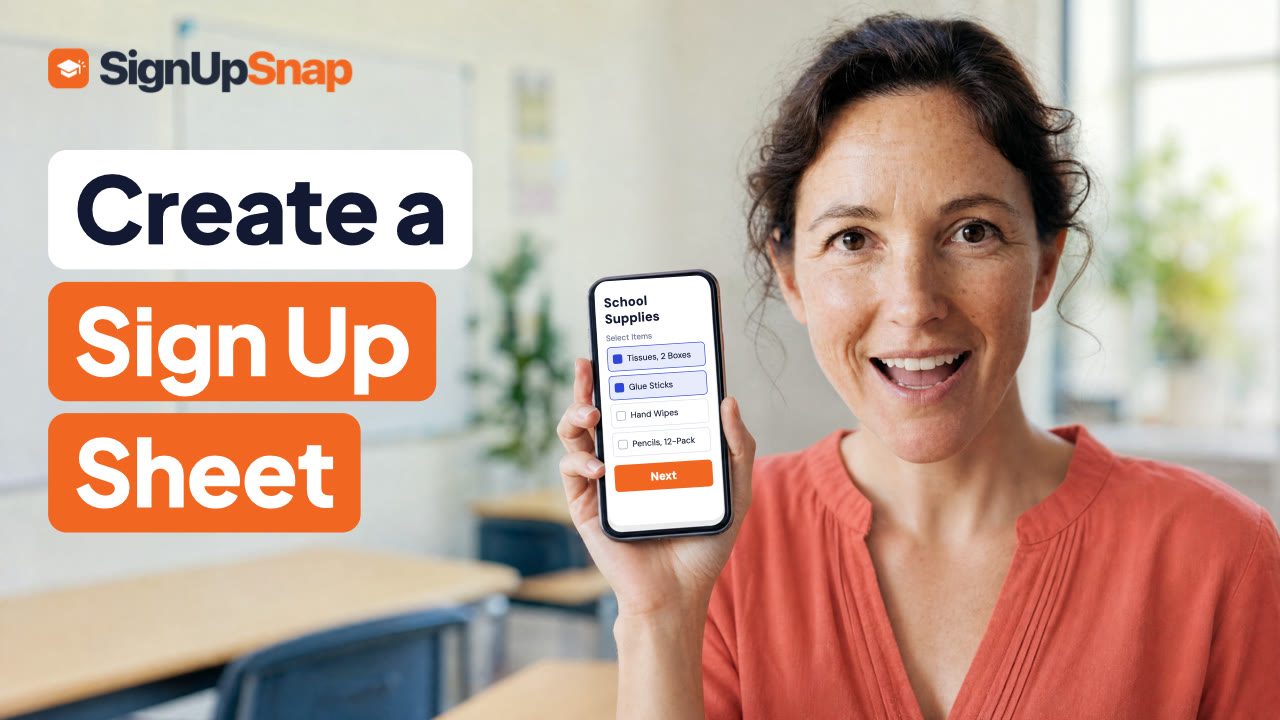
Use a Form Template: Video Walkthrough
A sign up sheet template saves you from typing the same list every year. This short video starts a class party sign up from a SignUpSnap template, so the party jobs and the things to bring are already filled in. You only change what you need.
How to Use a Form Template
Select New Form.
Under Templates, pick one. There are six: Parent Teacher Conference, Game Day Volunteers, Potluck, Class Party, Sports Team Snack Schedule and School Supplies Sign Up.
Look over the items. Class Party has jobs like Setup, Craft Station and Cleanup, plus things to bring, like Snack and Drinks.
Change Spots on any item. In the video, Snack goes from 2 to 4.
Set each item's Time with the plus and minus buttons. Every item starts at 9:00 AM.
In Sign Up Settings, change the Title and pick the Date.
Check Other Families. Class Party starts on Names Hidden, so each sign up stays private.
Select Publish, then Share and copy the link.
What Parents See
Parents open the link and see every item from the template, each with how many spots are taken. They check what they'll do or bring, then add their name. They don't need an account.
The Other Templates
Potluck lists dishes like Main Dish, Salad and Dessert. Game Day Volunteers covers Setup, the Grill and the Ticket Table. Sports Team Snack Schedule has one item per game, each with its own date. School Supplies Sign Up lists tissues, glue sticks and pencils. Parent Teacher Conference opens the conference editor with 30-minute times from 3:00 PM to 7:00 PM.
Start From a Blank Form
Under Blank, pick Conference, Sign Up or RSVP to start with an empty form. Party jobs work like any other volunteer sign up sheet.
For more on templates, read Pick a Template in the Help Center. The video is also on the SignUpSnap YouTube channel.