
Google Forms Alternative for Sign Up Sheets
Google Forms collects answers. SignUpSnap runs sign up sheets with spot limits, reminders and a cancel link for parents.
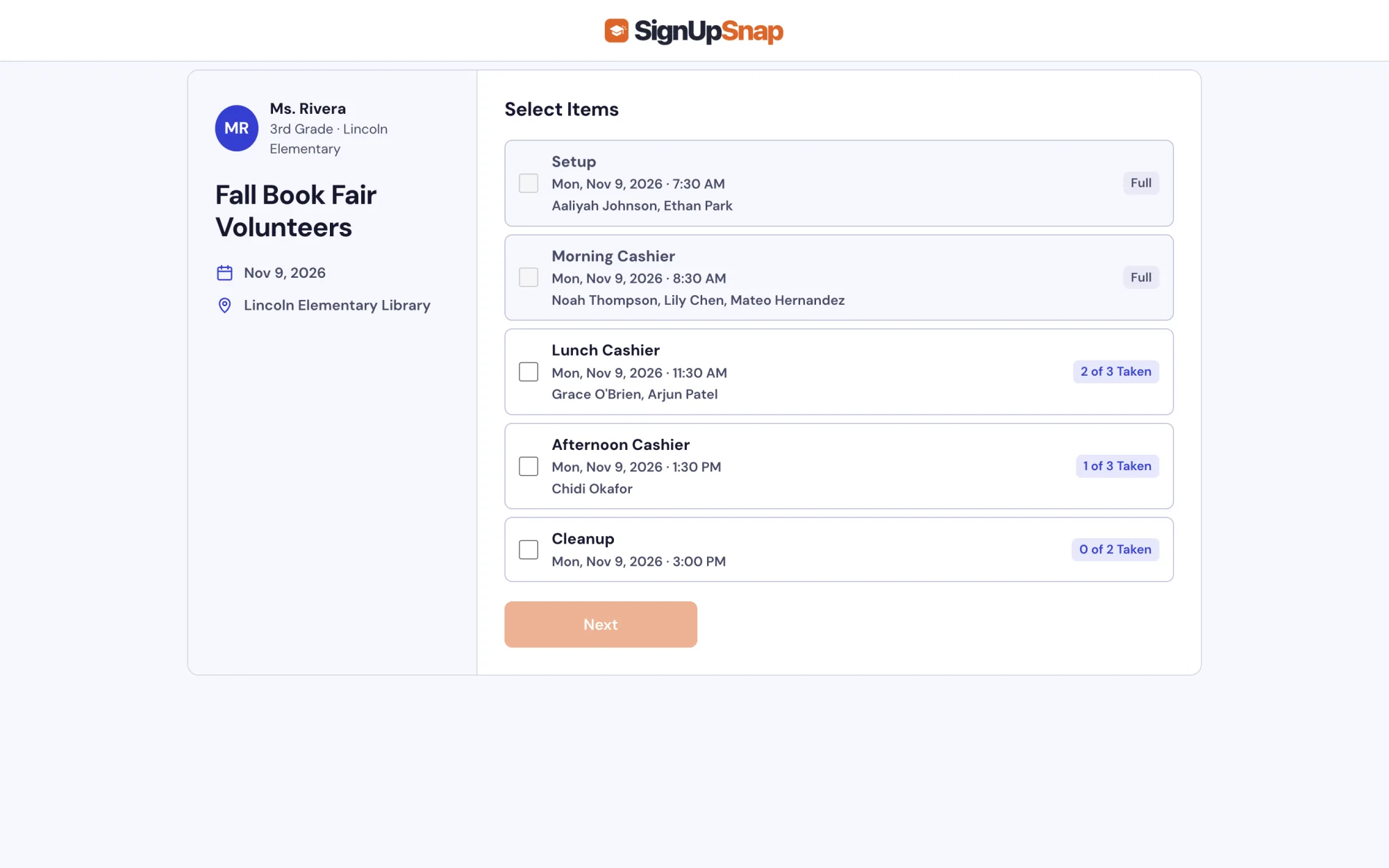
SignUpSnap and Google Forms Side by Side
| Compare | SignUpSnap | Google Forms |
|---|---|---|
| Free | Yes | Yes |
| Spot Limits per Item | Yes | Add-on needed |
| Full Items Close | Yes | Add-on needed |
| Email Reminders to Parents | Every plan | No |
| Waitlist | Teacher Pro | No |
| Conference Booking | Yes | No |
Checked Oct 31, 2026
Where SignUpSnap Fits Better
Spots Close When Full
Set how many people each item needs. An item closes when it is full. Google Forms has no per-option limit without an add-on.
Automatic Reminders
Parents get an email reminder the day before. Google Forms sends no reminders.
Parents Change or Cancel
The confirmation email links to the sign up. Parents can change or cancel there.
Live Spot Counts
Every item shows how many spots are taken. Parents see what is still open.
Where Google Forms Fits Better
Google Forms asks any kind of question, with branching and quizzes. Responses go straight into Google Sheets.
How to Switch
- Create a free account with Google, Microsoft or email.
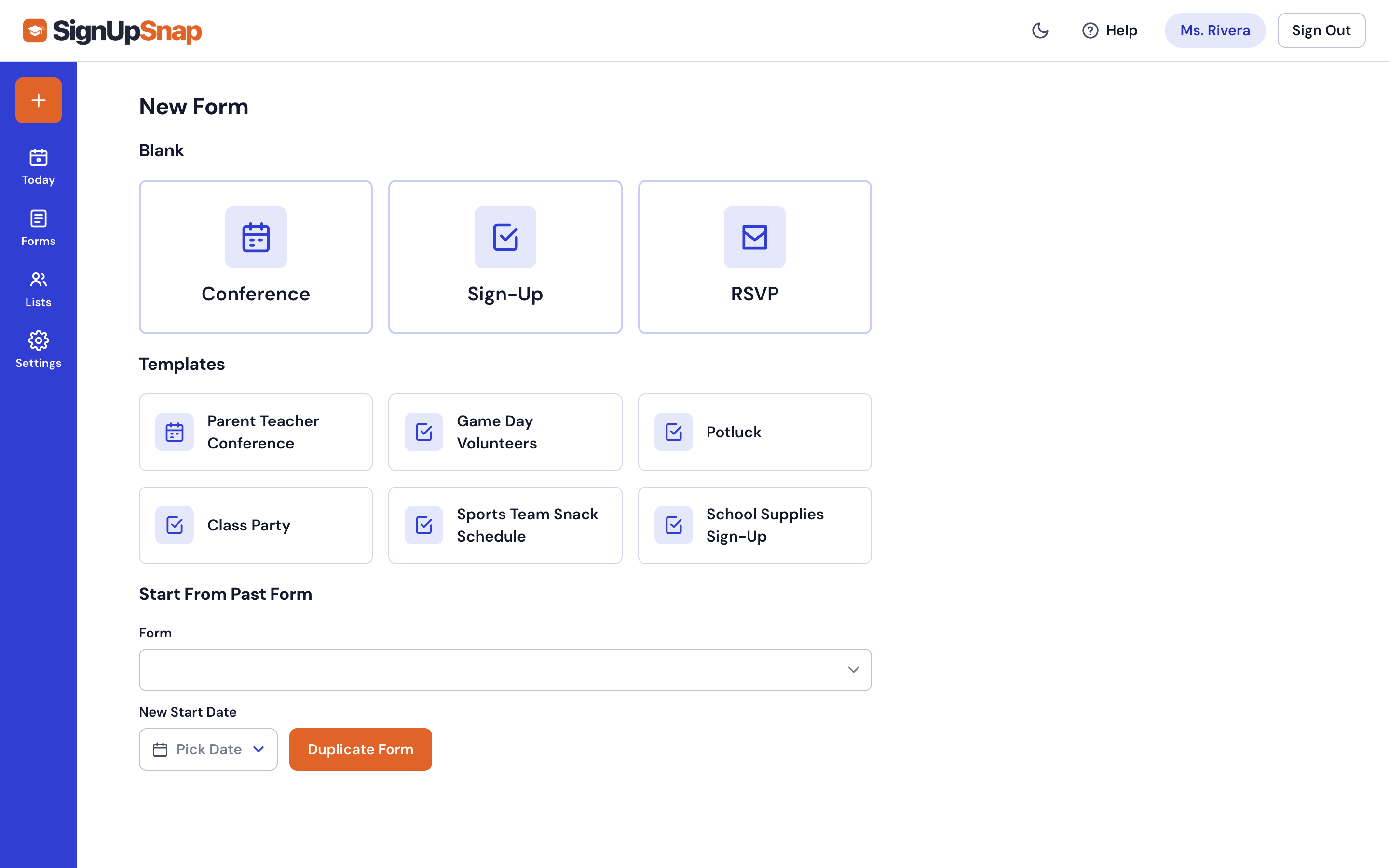
- Pick a template or start blank.
- Add the dates, times or items.
- Share the link or QR code with parents.
Common Questions
Is SignUpSnap a better fit for teachers than Google Forms?
Yes, SignUpSnap was built with a group of teachers and parents to make the best possible experience for K-12 schools and their communities.
Is SignUpSnap free with no ads?
Yes, the free plan has no ads. You can make as many forms as you need, but you can only have one form active at a time.
Do parents need an account?
No. Parents open the link and pick a time or item. They type their name and email.
Can I export sign ups to a spreadsheet?
Yes. Download any form as a CSV.
Does SignUpSnap work with Google?
Yes. Sign in with Google. Connect Google Calendar and Google Meet in Settings.
More: Volunteer Sign Up Sheets · Pricing
