Best Free Sign Up Sheet Apps for Teachers in 2026

The best sign up sheet app for a teacher depends on the job in front of you. For parent-teacher conferences and classroom sign ups with no ads, pick SignUpSnap. For a quick one-off list, Grasshopper Signup is quick to set up, and Google Forms makes sense if your school already lives in Google Workspace. For a whole PTA running many sign ups at once, look at SignUpGenius or SignUp.com. For collecting money, SignUpGenius and PlanHero both take payments. For a long form with custom questions, Jotform does the most.
All seven have a free plan. What you get for free changes a lot from one tool to the next, and most of it only shows once parents open the link.
How We Picked
We looked at each tool the way a teacher would, with a class party, a supply list and conferences all coming at once.
What the free plan limits: some limit how many sign ups run at once, some limit how many responses you can see, and some limit how long an event stays up.
Ads in front of parents: a sign up sheet goes home with your name on it. If the page shows ads, families see them next to your class list.
No parent accounts: a password step loses families. Parents should open a link, pick a spot and be done.
Reminders: a sign up only helps if people show up with the juice boxes. Email reminders should go out without you.
Conferences: a list of items and a day of 15-minute meetings are different problems. Some tools do both. Others do one.
The facts below come from each tool's own pricing and feature pages. Where a site doesn't say, the table says so.
The Best Sign Up Sheet Apps at a Glance
Tool | Price | Ads | Parent Accounts | Conference Scheduling | Reminders | Video Links | Waitlist |
|---|---|---|---|---|---|---|---|
SignUpSnap | Free plan with one form Active at a time, plus Teacher Pro (see Pricing) | None on any plan | Not needed | Built in: dates, start and end times, slot length and break for each date | Email on every plan, 1 day before. Teacher Pro picks the timing and adds a second reminder | Google Meet, Zoom or Teams link on each video booking, on every plan | Teacher Pro |
SignUpGenius | Free plan with no limit on sign ups. Paid plan prices are on its pricing page | On free sign up pages. Paid plans remove them | Not needed | Time slots | Automatic email reminders on the free plan. Text reminders on paid plans | Not listed on its site | Paid plans |
SignUp.com | Free Basic plan with unlimited sign ups. Starter is $8.34 a month, billed $99.99 a year | Ad-free is listed only as an upgrade on paid plans | Not needed | Meeting times, breaks and lunch periods | Automatic reminders. Text reminders on paid plans | You paste in a Zoom or other link | Waitlist notices on Starter and higher plans |
Google Forms | Free with a Google account | None | Not needed, unless you turn on Limit to 1 response | Not built in. Slot limits need an add-on | Not listed on its site | Not listed on its site | Not listed on its site |
Grasshopper Signup | Free plan shows up to 30 responses per form. Premium is $5 a month or $50 a year, Boost is $8 a month | None | Not needed | Time slot sheets with one family per slot | Email reminders on the free plan. Text reminders (US only) on Boost | Not listed on its site | Boost |
PlanHero | Free plan with 1 active event, 3 events in all and a 30-day limit. Essentials is $14 a month, or $11.67 a month paid annually | None on any plan | Not needed | Lists with time spots. Its site names parent teacher conferences as a use | Custom confirmation and reminder emails on every plan. Texts need a paid bundle | Not listed on its site | Pro and Impact plans |
Jotform | Free Starter plan with 5 forms and 100 submissions a month. Bronze is $39 a month, or $34 a month paid annually, and schools get 50% off | Not listed on its site. Free forms carry Jotform branding | Not needed | An Appointment field with slot lengths you set | Reminder emails for the Appointment field | Its Appointments page lists Google Meet and Microsoft Teams links | Not listed on its site |
Checked Nov 13, 2026
Plans change, so look at a tool's pricing page before you pay for one.
SignUpSnap
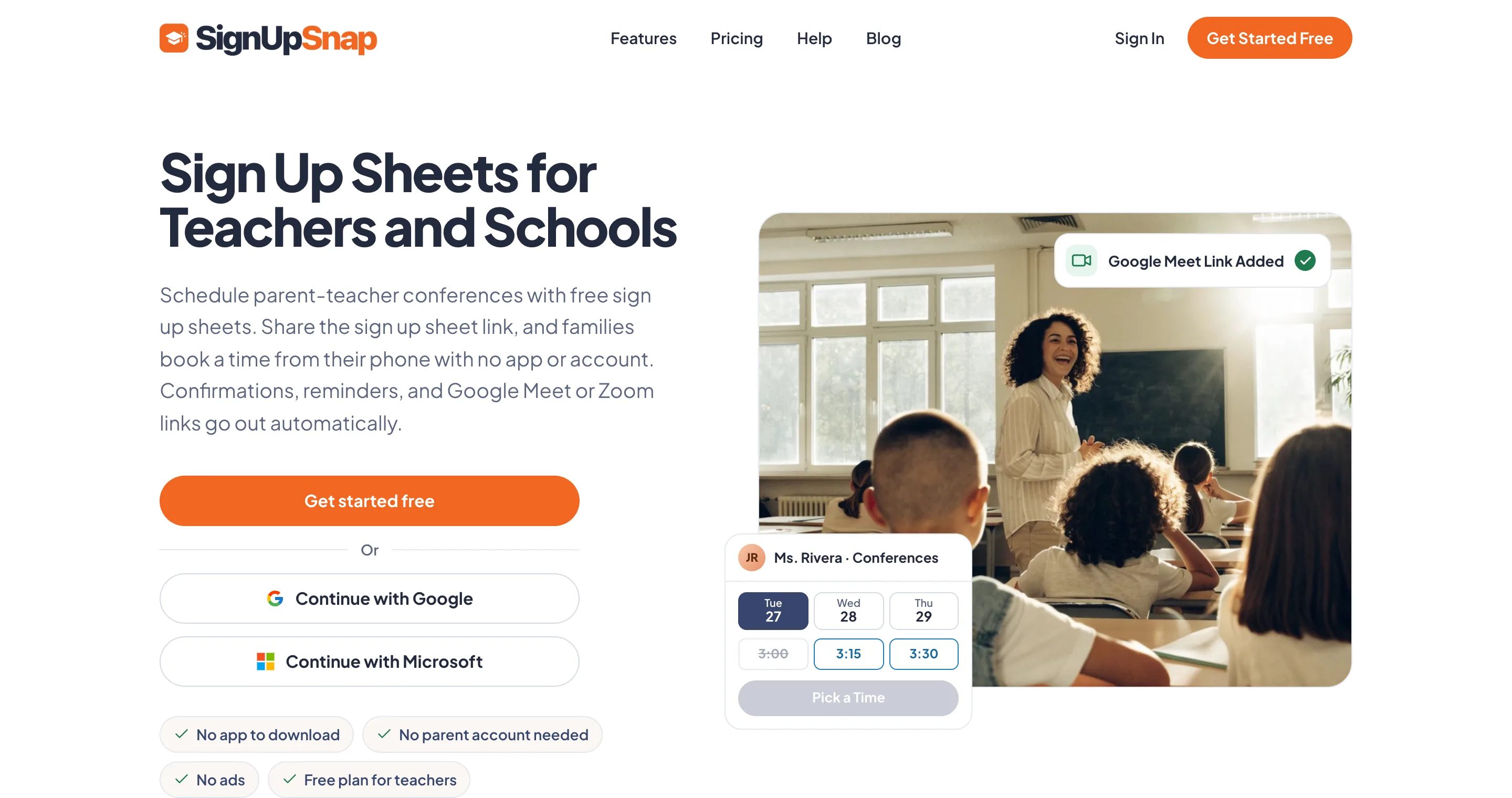
SignUpSnap is built for sign up sheets, parent-teacher conference bookings and event RSVPs.
What It Does Well
A sign up sheet is a list of items, each with a number of spots. For a class party you might add "Juice Boxes" with 2 spots, "Paper Plates" with 1 and "Set-Up Helper" with 3. Parents open the link, pick one or more items and type their name and email. They don't make an account, and one email lists everything they signed up for. An item shows as Full once its spots are taken.
Items can have times, which turns them into shifts for field trip chaperones or book fair helpers. With Item Dates set to Per Item, each item gets its own date, so a snack schedule for the whole season fits on one sheet. Six templates give you a head start, among them Class Party, Potluck and School Supplies Sign Up.
There are no ads on any plan, for you or for parents. Every booking gets a confirmation email and a reminder 1 day before, and a parent who can't make it cancels from that email so the spot opens again. You can print the list or use Export CSV to open it in a spreadsheet.
Conferences are their own form type. You pick the dates, then set a start time, end time, slot length and break for each one. If you connect Google, Outlook or Zoom, each video booking gets its own Meet, Teams or Zoom link, and that works on the Free plan too. How to Schedule Parent-Teacher Conferences Without the Email Chaos covers the planning side.
You can also save parent emails in a list, invite the whole list to a form, and see who opened the link and who hasn't signed up yet. On Free, a list holds up to 50 contacts and you can send 100 invite emails a day.
Where It Falls Short
The Free plan keeps one form Active at a time. Multiple forms active at the same time requires a paid plan.
It takes no payments. If the field trip costs $12 a child, you collect that some other way.
It sends email only. There are no text messages.
A form asks for a name, an email, a child name if you want one, and notes.
Price and Who It Fits
Free covers sign ups, conferences and RSVPs with the one Active form limit. Teacher Pro lifts that limit and adds waitlists, a choice of reminder timing, a second reminder, a school logo and color, and parent pages in Spanish and French. Prices are on the Pricing page.
The Volunteer Sign Up Sheets page shows how a sheet looks to parents.
SignUpGenius
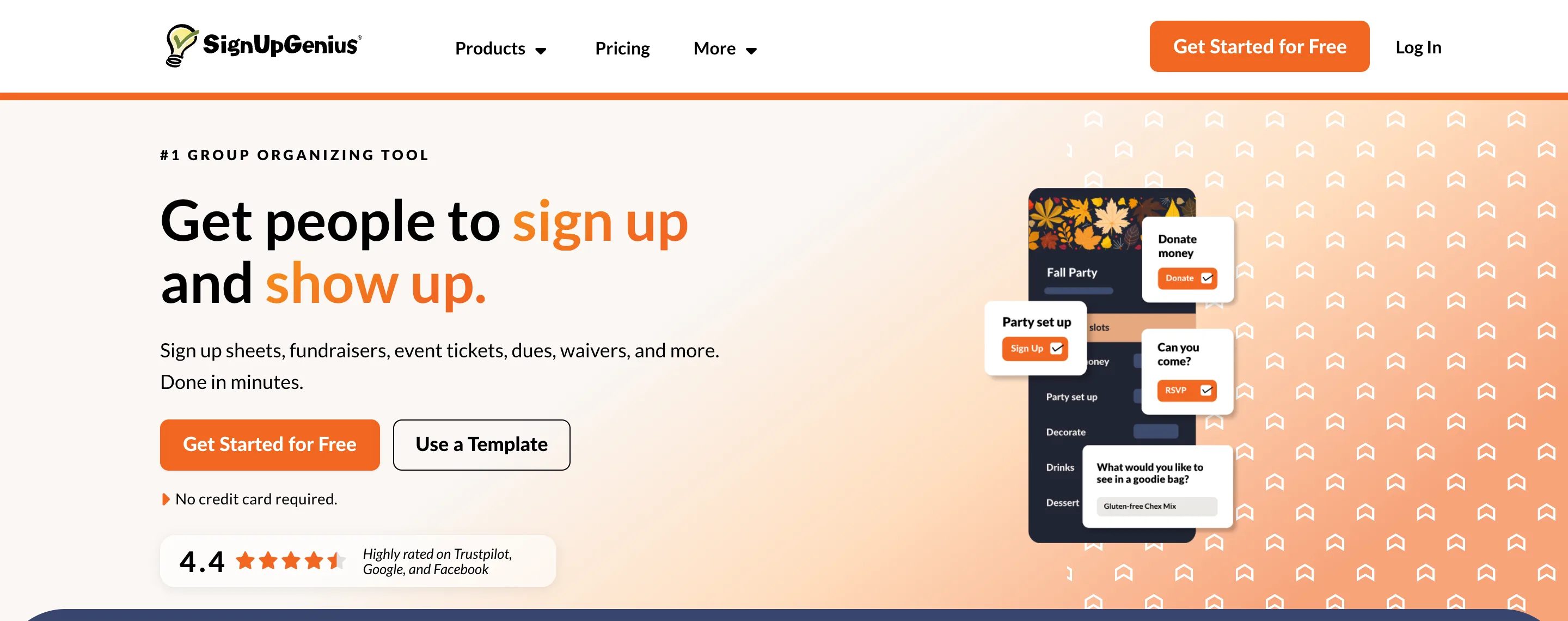
SignUpGenius is the best-known name on this list, and its homepage counts more than 70 million users. Many parents have filled one in before while being deluged with ads.
What It Does Well
The free plan is generous on quantity. Its site says there is no limit on how many sign ups you can create and no end date, and automatic reminders are part of the free plan too. Parents can claim a slot without an account.
That matters in a busy month. You can have the Thanksgiving feast sheet, the mystery reader schedule and the December party list all live on the same day without paying.
It also does much more than sign ups. The site lists tickets, dues and fees, fundraisers, online stores, waivers and group gifts. If the class is collecting $5 a family for a teacher gift, the money and the sign up can live on the same page.
For conferences it works with time slots, and its site has described putting several teachers under one shared link. A family with three children at the school then finds every conference in one place.
Where It Falls Short
The free plan shows many annoying ads on the pages parents and teachers see, and removing them takes a paid plan. The ads are so intrusive that the emails usually look like spam.
Text reminders and waitlists sit on paid plans too.
Payments carry a processing fee, which its site puts at 5% plus $0.50 a transaction. A $12 field trip payment costs $1.10 in fees.
The site doesn't list video meeting links for conferences. If many of your conferences are on video, ask how each family would get a link.
Price and Who It Fits
Free, with several paid plans above it. Its pricing page has the current plan names and prices. It fits a room parent or PTA that runs many sign ups at once, needs to collect money, and can live with ads or pay to remove them. We compared the two tools feature by feature in SignUpSnap vs SignUpGenius.
SignUp.com

SignUp.com is a volunteer scheduling tool first. Like SignUpGenius, it aims at groups more than at one classroom. It is also driven by annoying and distracting ads on the free plan.
What It Does Well
The free Basic plan lists unlimited sign ups and unlimited participants, with no passwords for parents. It also lists calendar sync, payments and contributions, shift swaps between participants, and links to Zoom, Dropbox or Drive on a sign up.
Shift swaps are useful for anything that repeats. If a parent signed up to bring snack on Nov 20 and can't, they can trade with another family without going through you.
For conferences, its site describes adding meeting times, breaks and lunch periods, and adding a map or a virtual meeting link so parents know where to go. The video link is one you paste in yourself. The tool doesn't make a new one for each booking.
Where It Falls Short
The pricing page lists an ad-free upgrade only on paid plans, and the Basic column doesn't mention ads at all. Open a live SignUp.com sheet on your phone before you send one home, and look at what sits around your list.
The free plan allows one primary organizer, one group page and one custom question for participants. Waitlist notices and text reminders are on Starter and higher plans.
The paid plans are billed by the year. That suits a PTA budget better than a teacher paying out of pocket for one busy month.
Price and Who It Fits
Free, with Starter at $8.34 a month, billed $99.99 a year. A Campus plan for K-12 schools starts at $99 a year. It fits a volunteer coordinator who fills recurring shifts, such as lunch duty, library help or the car line, and wants parents to swap among themselves.
Google Forms
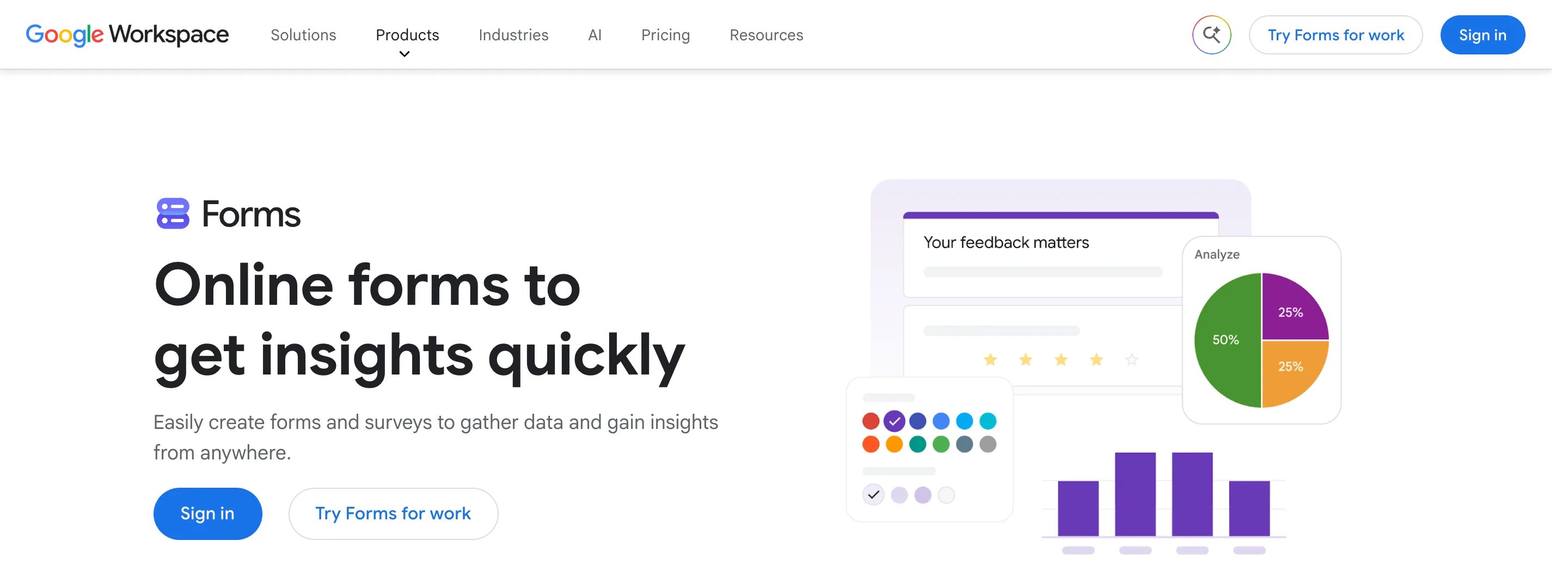
Google Forms isn't a sign up sheet app. It is a survey tool that many teachers already have open, which is the reason it belongs on this list.
What It Does Well
It is free with a Google account, it has no ads, and you probably know how to use it. Parents fill it in from a link on any device, and answers land in Google Sheets where you can sort them.
It asks whatever you need. For a field trip you can ask who can chaperone, whether they have a current background check, and which lunch their child wants, all on one page. A plain sign up sheet has no room for that.
If your district runs on Google Workspace, there is nothing to approve and nothing new for families to trust.
Where It Falls Short
A form collects answers. It doesn't count spots. If you need 2 families to bring juice and 6 pick it, all 6 get through, and you sort it out by email afterward.
The form also does not natively send email confirmations with useful information. This is a big gap.
Add-ons in the Google Workspace Marketplace can remove a choice once it is full. They come from other companies, and some charge after a trial.
Reminders, waitlists and conference slots aren't listed on its site as features. A parent can't cancel a spot and free it for someone else, because the form has no idea what a spot is.
One setting to know about: to stop double entries you can turn on Limit to 1 response, but Google's help page says parents then have to sign in to a Google account to open the form. That puts back the account step you were trying to avoid.
Price and Who It Fits
Free. It fits a simple list with no limits, such as "Who can come to the picnic?", or a form where the questions matter more than the spots. For conferences or anything with a fixed number of spots, use a tool built for it.
Grasshopper Signup
Grasshopper Signup is built around speed. Its site says you don't need an account to create a form or to answer one.
What It Does Well
The free plan lists the basics: sign up forms, time slot sheets with one person per slot, confirmation emails and email reminders. Its site has a page for parent-teacher conference forms that works this way, with each family claiming one slot.
The paid plans are cheap next to the older tools. If you outgrow the free plan in a busy month, you aren't signing up for a large annual bill.
Where It Falls Short
The free plan's limit is easy to miss. Its site says every response is collected, but you can view only up to 30 per form until you pay. A class of 24 sits under that for most sheets. A grade-level event or a supply list where families take several items can pass it.
Its site lists exports on Premium, and automatic waitlist notices and text reminders for US numbers on Boost.
Video meeting links aren't listed on its site. Conference forms are time slot sheets, without a slot length and break setting for each day.
Price and Who It Fits
Free, with Premium at $5 a month or $50 a year and Boost at $8 a month. It fits a teacher who needs one small sheet today, such as a potluck list for 20 families, and doesn't want to learn a new tool to get it.
PlanHero

PlanHero is a sign up and event tool with no ads, but gets expensive quickly.
What It Does Well
Parents don't need an account to sign up, and sheets can have several dates, time spots and locations. Custom confirmation and reminder emails are on every plan.
Collecting money is on every plan too, and its site says the people you invite pay nothing to take part. For a book fair with volunteer shifts and a donation jar, the shifts and the money sit in one place.
Its site names parent teacher conferences, school fundraisers and jog-a-thons among its school uses, so it is meant for the same crowd as the older tools.
Where It Falls Short
The free plan is small. It allows 1 active event, 3 events in all and 30 days for each event. A semester-long snack schedule won't fit in 30 days, and after the class party, the book fair and the field trip you have used all three.
The step up is steep for a teacher. Waitlists don't arrive until Pro at $26 a month, and text reminders need a separate bundle of credits, starting at $5 for 250.
Video meeting links aren't mentioned on its site. For conferences it gives you lists of time spots, not a conference scheduler.
Price and Who It Fits
Free for up to 3 short events, then $14 a month for Essentials, or $11.67 a month paid annually. It fits a PTA or booster club that wants no ads, collects money, and has a budget. For one teacher, the free plan can run out by the middle of the year.
Jotform
Jotform is a form builder, the same family as Google Forms with far more parts. Its template library lists more than 1,200 sign up forms.
What It Does Well
Jotform builds detailed forms. Its site describes conditional logic, where a question shows or hides based on an earlier answer, plus payments through PayPal or Stripe and confirmation emails to the person who filled it in.
That suits the forms a plain sign up sheet can't hold. A field trip form can ask for the chaperone's phone number, show an allergy question only if the parent ticks a box, and take the $12 fee at the end.
For meetings, it has an Appointment field with slot lengths you set, reminder emails before the time, and calendar sync. Its Appointments page also lists meeting links through Google Meet and Microsoft Teams.
Where It Falls Short
The free Starter plan allows 5 forms and 100 submissions a month across all of them, with Jotform branding on each form. One supply list for a class of 25, where families answer more than once, can use a good share of that in a week.
The free plan also sends new-response emails to only one address, so a co-teacher or room parent won't get them.
It isn't a sign up sheet at heart. Building a list where each item has a set number of spots takes more setup than in a tool made for it, and a waitlist isn't listed on its site.
Price and Who It Fits
Free for 5 forms and 100 submissions a month. Bronze is $39 a month, or $34 a month paid annually, the highest starting price we found on this list. Its pricing page gives schools 50% off the Bronze, Silver and Gold plans. It fits a teacher or school office that needs a detailed form with payments and logic, a few times a year.
What "Free" Means in Each Tool
A limit you never reach costs you nothing, so line the limits up against your own year.
SignUpSnap: every form type and no ads, but one form Active at a time.
SignUpGenius: as many sign ups as you want, with ads on the pages parents see.
SignUp.com: unlimited sign ups, with waitlist notices, text reminders and the ad-free upgrade on paid plans.
Google Forms: no limits and no ads, and no spot counts, reminders or cancel link.
Grasshopper Signup: no ads and no accounts, with 30 responses in view per form.
PlanHero: no ads, with 3 events of 30 days each.
Jotform: detailed forms, with 5 forms and 100 submissions a month.
Think through one month. Say it holds conferences on Nov 16 and 17, a Thanksgiving feast sheet due Nov 20, and a field trip on Dec 3 that needs 4 chaperones and $12 a child.
The feast sheet works in any of the sign up tools. Conferences narrow the list to tools with time slots that fill and close. The $12 narrows it again to tools that take payments, unless your school office already collects trip money. No free plan covers all three without a trade-off. Using two tools is fine, as long as families can tell which link is for what.
How to Pick the Best Sign Up Sheet App for Your Class
Start with the hardest thing you have to run this year, not the easiest.
Parent-teacher conferences: pick a tool that plans a conference day with breaks. SignUpSnap and SignUp.com both do, and of the two only SignUpSnap makes a video link for each booking. Parent-Teacher Conference Sign Up Sheet: Paper vs Online has a checklist to test any tool against.
Collecting money: look at SignUpGenius, PlanHero or Jotform, and read the fee line first.
One-time small list this week: Grasshopper Signup or Google Forms will be done in minutes.
No ads next to your class list: SignUpSnap, Grasshopper Signup, PlanHero and Google Forms.
Then test it as a parent. Make a sample sheet, open the link on your phone, and sign up with a personal email. Count the taps, look for ads, and check whether a confirmation email arrives with a way to cancel. Five minutes of that tells you more than any pricing page.